

Noki Bot-Zoom App User Guide & Scope Mapping
How to Add the App from the Zoom Marketplace
Marketplace site gives users access to all available Zoom Apps, which, after being
added, can be used in the desktop app.
1. Open and sign in to Zoom App Marketplace.
2. Search for apps by entering text “Noki Bot” into the search bar.
3. Click the name of an app to view more details, such as the app overview,
screenshots, requirements, permissions, developer resources, and more.
4. At the top of the app listing, click Add.

5. You will be prompted to authorize the app to have access to the necessary
account information

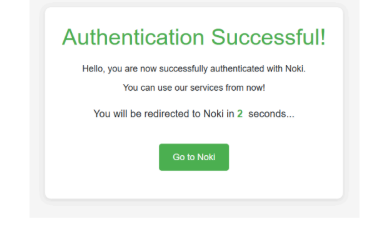
6. Once authorized, the app will be ready for you to use
How to remove an app from the Zoom App Marketplace
1. Open and sign in to the Zoom App Marketplace.
2. In the top right corner, click Manage.
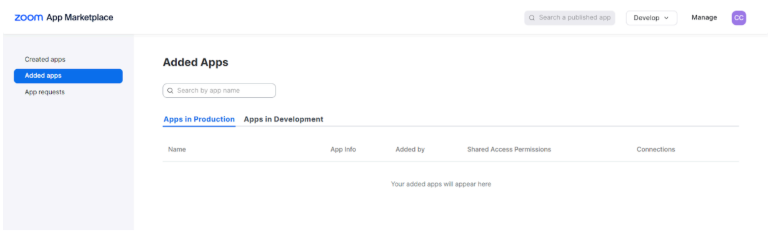
3. On the left side of the page, click Added Apps.
A list of all apps added by you is displayed.
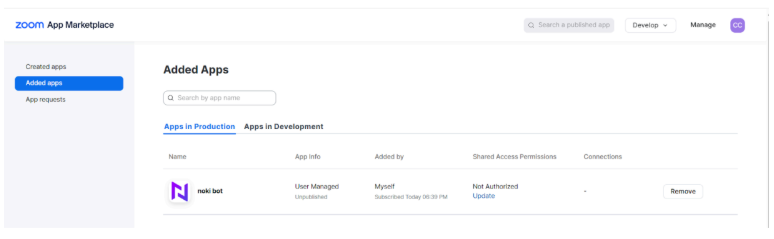
4. Identify the app to be removed then, click Remove.
A Remove App window will appear.
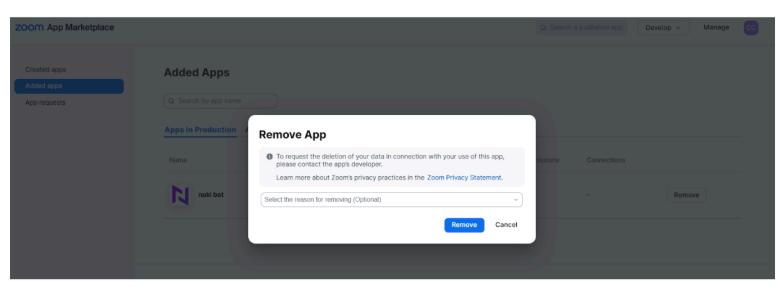
5. Click Remove to confirm the removal of this app.